
What is a Cavac All-in-One (AIO) Touch Computer?
Where is a Large-Scale Touch Computer Used?
Designed for Ministers, CEOs, and Senior Executives
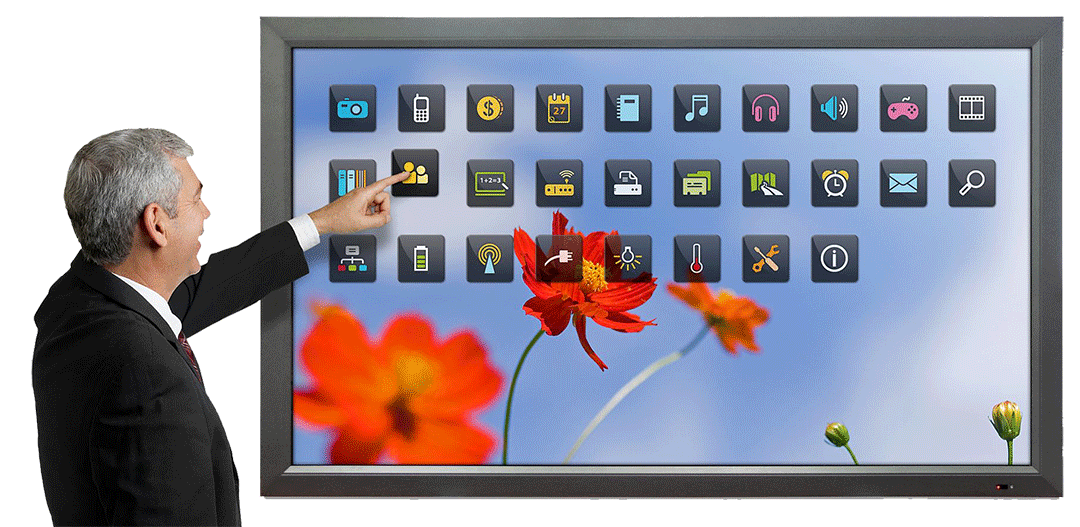
Real-time Executive Dashboards
In modern organizations, senior leaders rely on live dashboards to monitor performance across all sectors. Imagine a Minister or a CEO having the power to oversee the entire organization's status at a glance. With our 86" or 98" touch displays, your office becomes a sophisticated command center, providing you with live data visualization at your fingertips.
Ad-hoc Strategic Meetings
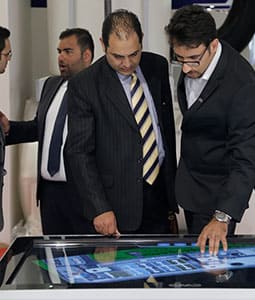
Senior executives often need to call for immediate, unplanned meetings with deputies and advisors to make critical decisions. A large-scale touch computer in your private office eliminates the need to move to a formal conference room. You can brainstorm, analyze data, and finalize strategies right where you are, using the most intuitive interactive tools.
High-Impact Presentations for VIP Guests
When hosting guests in your private office, you may wish to present impressive data or reports without the stiffness of a formal boardroom setting. A Cavac All-in-One allows you to showcase information in various high-impact formats during friendly, professional discussions, maintaining both a comfortable atmosphere and a cutting-edge technological edge.
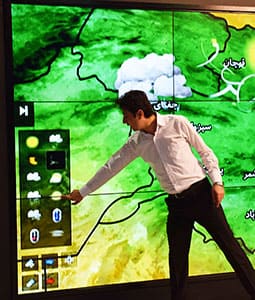
Modern & Innovative TV Studios
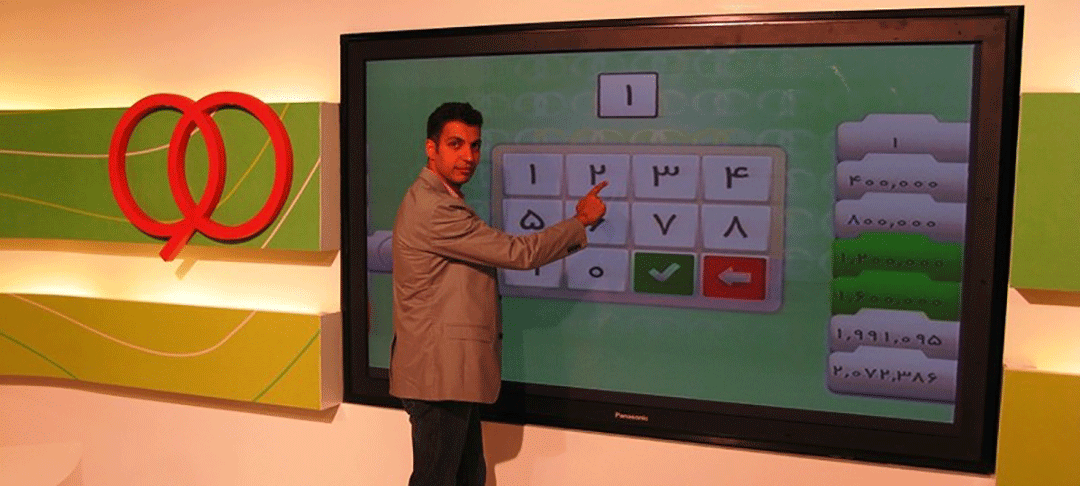
Adel Ferdowsi, the host of program 90, is working with a 103-inch touch display in the studio of this show.
What is a Cavac Large-Scale Touch Computer?
A Cavac Touch Computer is a high-performance, All-in-One system that integrates three essential components into a single, seamless unit: a large-scale display, an internal OPS computer, and an advanced touch panel (Infrared or Capacitive).
The Evolution of Professional Interaction
Unlike older methods where a touch frame was simply attached to a standard monitor, Cavac’s modern systems are factory-assembled. This integration offers:
Superior Aesthetics: A unified, professional design without external cables.
Anti-Glare Technology: Capacitive models feature anti-reflective surfaces for perfect visibility.
Dual OS Power: Full support for both Windows and Android environments.
Key Applications & Markets
Available in sizes from 55" to 98", these systems are the top choice for:
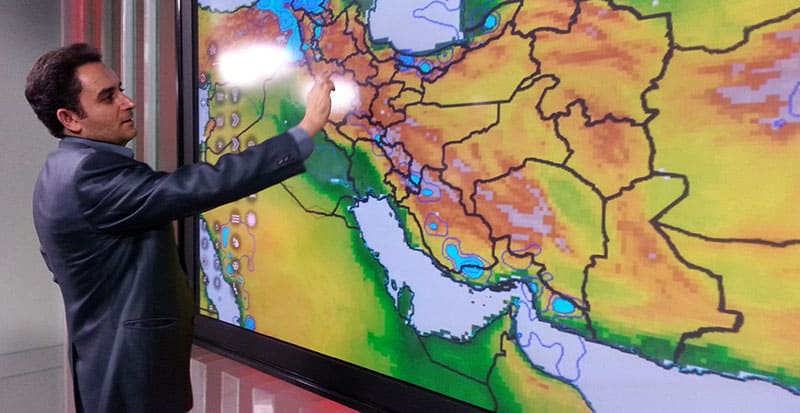
TV Studios: Interactive analysis for live broadcasts.
Executive Offices: Real-time management dashboards for CEOs and Ministers.
Smart Classrooms: Engaging interactive tools for modern education.
Conference Rooms: High-impact presentations and remote collaboration.
Technical Advantage: Multi-Touch & Precision
Cavac systems feature high-precision Multi-Touch technology. While standard software exists, our hardware is optimized for custom-developed organizational software, allowing multiple users to interact simultaneously with zero lag.
Visual Brilliance: High resolution and superior brightness are the hallmarks of Cavac, the only specialized Iranian brand in interactive technology.
Quick Specs & Features
Processor: High-speed Internal OPS Computer.
Connectivity: Seamless integration with organizational networks.
Touch Type: Available in Infrared (IR) or high-end Capacitive (PCAP).
Durability: Industrial-grade body built for continuous use.
For expert consultation or a customized quote, please contact our team today.
Ready to Elevate Your Business with Cavac?
If you need detailed information regarding our various models, Multi-touch capabilities, Dual OS features, or specific Hardware configurations, our technical consultants are here to guide you.
Take the first step towards a smarter interactive environment.
Versatile Applications of Large-Scale Touch Displays
Solutions powered by interactive technology for every industry
Where to Begin?
Do you need expert advice on choosing the right touch display for your business?
Your Business Story Defines the Solution
The first step isn't choosing a device; it's answering a fundamental question: Why and how will a large-scale touch display transform your business operations? We believe technology should be a solution, not just a purchase.
Critical Factors for Educational Institutions
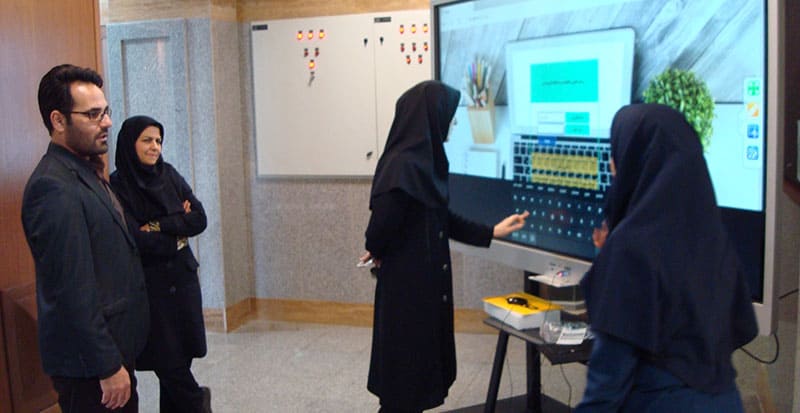
If you are planning to integrate large touch computers into classrooms, the readiness of your teaching staff is the most vital component. Beyond hardware, the success of "Smart Education" depends on how effectively educators can interact with the technology to enhance student engagement.
A Smart Alternative: Rent Instead of Buy
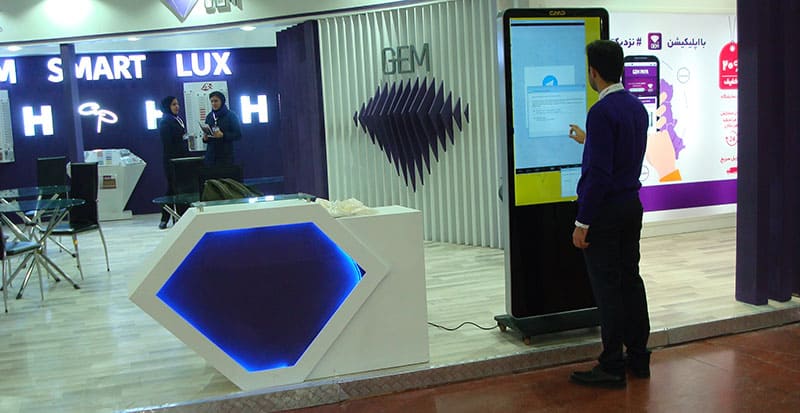
Don't stretch your budget for one-time events! If you need high-end touch displays for a specific exhibition, conference, or short-term project, we suggest investing your capital elsewhere. Use Cavac’s Professional Rental Service to get the latest technology for a fraction of the cost.
FAQ: Large-Scale Touch Displays (86" to 98")
Hardware Specifications & Visual Quality
Cavac large-scale touch displays are equipped with 4K Ultra HD (3840×2160 pixels) resolution. This provides exceptional clarity and high-detail visuals, ensuring that even at close range, text and graphics remain sharp and professional.
Touch Performance & Stylus Features
These devices typically support up to 20 simultaneous touch points. This allows multiple users to interact with the screen at the same time, making it perfect for collaborative work, brainstorming sessions, and interactive classroom activities.
Operating Systems & Software Compatibility
Yes. The device features a seamless Dual-OS environment. Users can easily switch between Windows and Android with a single touch or shortcut, allowing you to use the best features of both worlds in one session.
Connectivity & Wireless Features
Cavac All-in-Ones come fully equipped with a wide range of professional ports, including:
- Video: HDMI (In/Out), VGA (on specific models).
- Data: USB 2.0, USB 3.0, and high-speed USB Type-C.
- Network: LAN (RJ45) for stable wired internet.
- Audio: Standard Audio In/Out for external sound systems.
Educational & Meeting Applications
Yes. Every Cavac touch computer comes with professional Smart Whiteboard software. This application offers a wide range of features, including high-precision writing, shape recognition, chart drawing, and the ability to save or export your notes in various digital formats for later distribution.
Installation & After-Sales Services
Yes. All our large-scale touch computers are compatible with standard VESA mounts. Depending on your space and needs, you can choose between a Heavy-Duty Wall Mount or a Professional Mobile Stand (trolley) for easy relocation between rooms.
Power Consumption & Durability
Cavac large-scale displays are designed with energy efficiency in mind. Under normal operating conditions, the power consumption typically ranges between 250 to 350 Watts, which is highly efficient considering the massive screen size and high-performance internal computer.