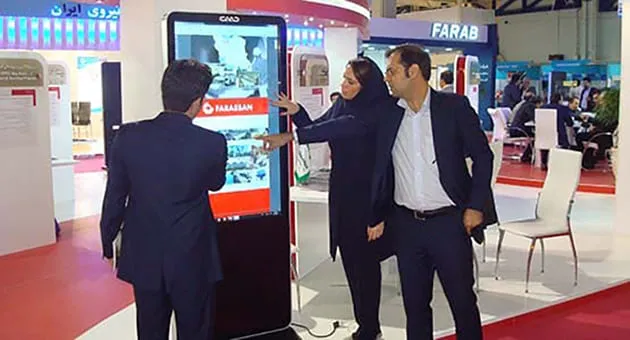
Cavac is a service provider for rental servicesAndroid touch standWindows touch standTouch displayIn exhibition booths, conferences, and congresses
Cavac; With over a decade of experience in the field of importing large touch-based display products, providing services for touch stand rental, touch kiosk rental, touch table rental, and large touch display rental.
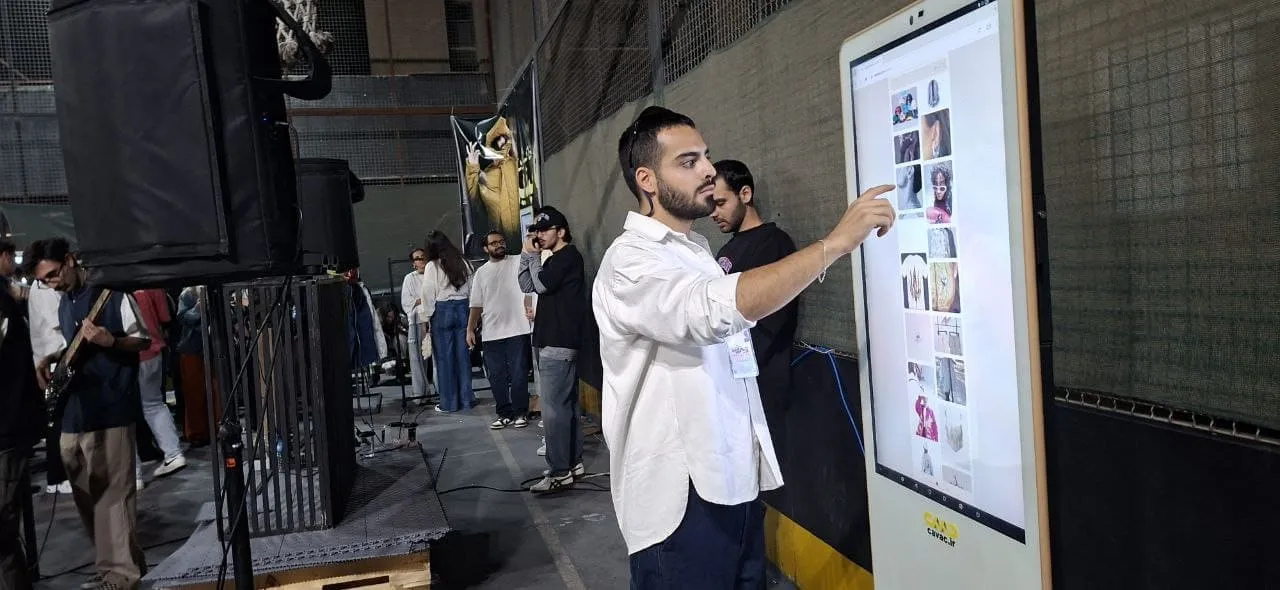
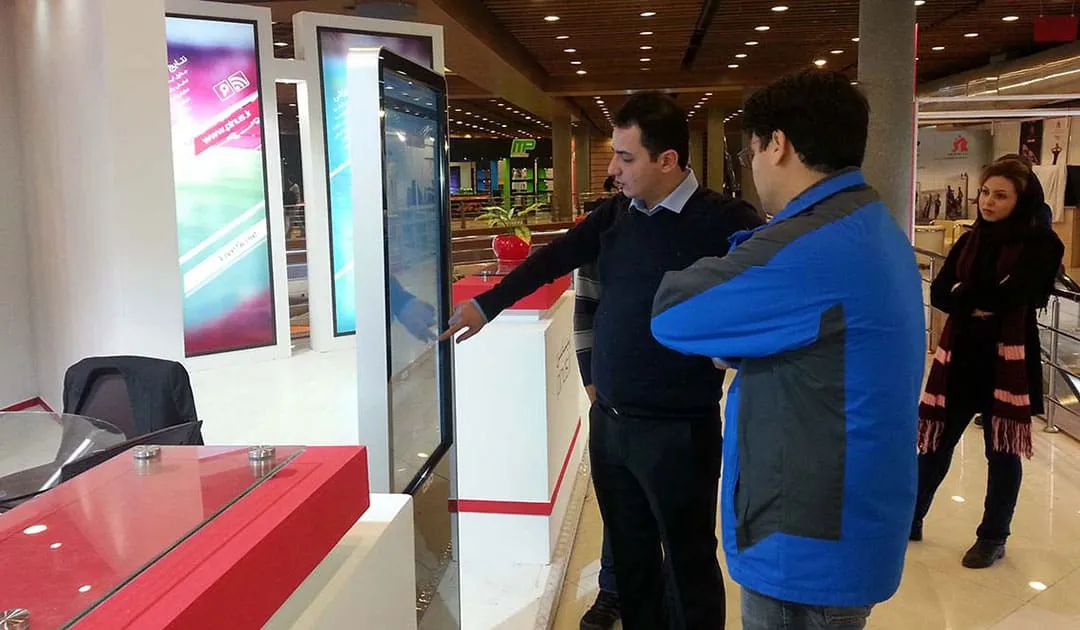
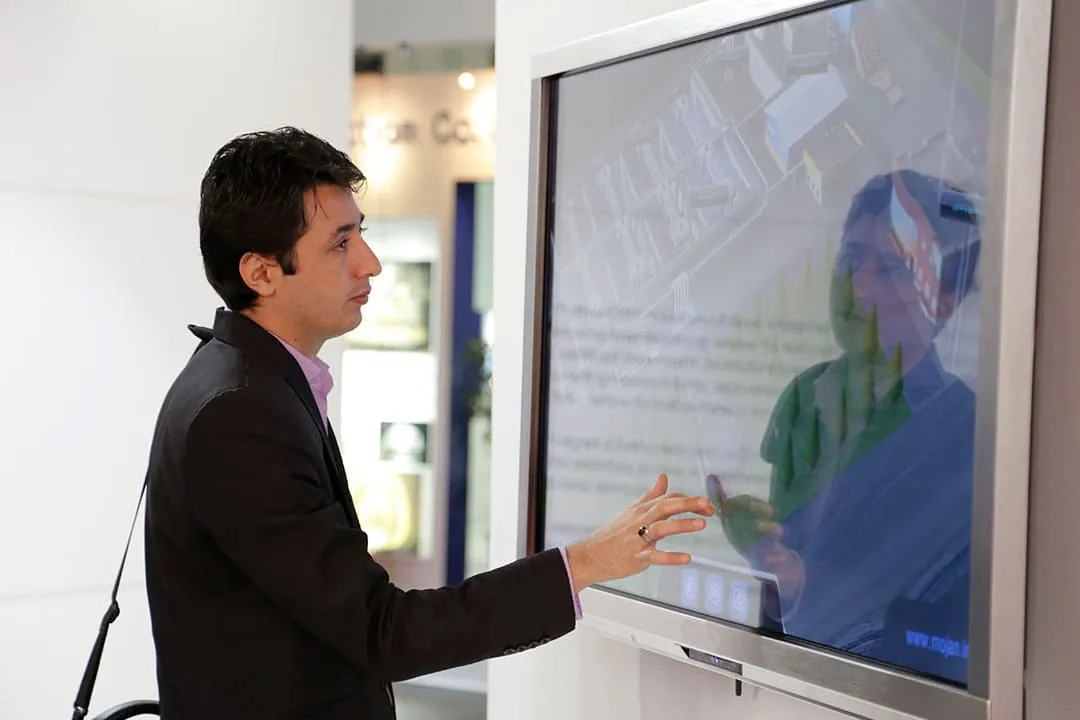
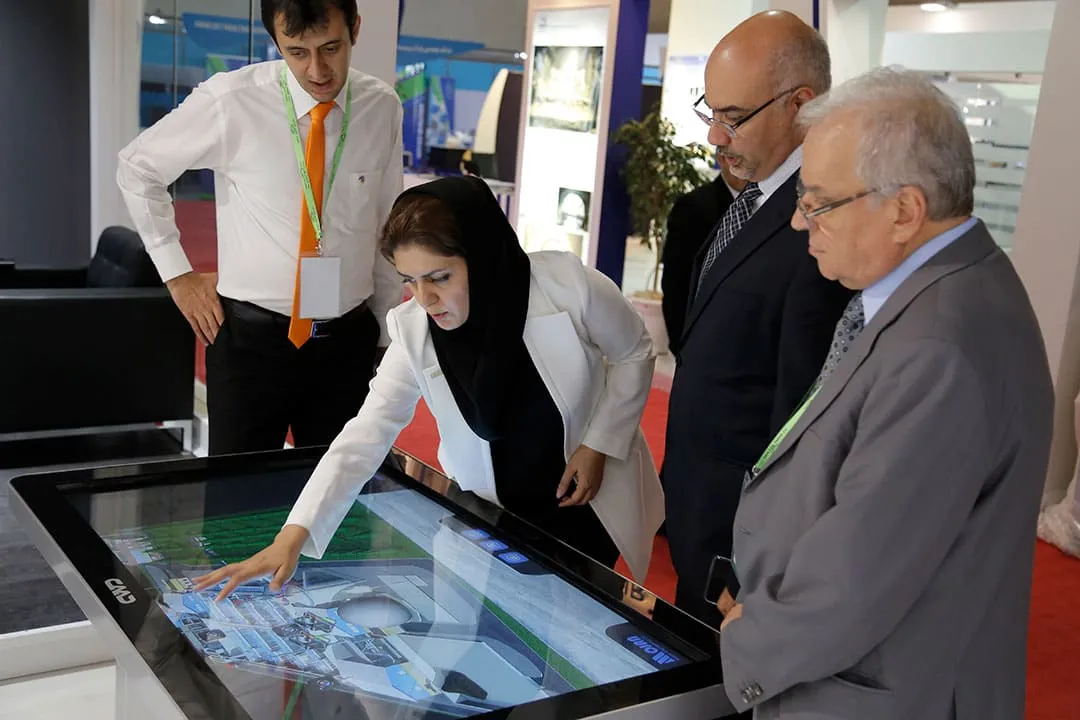
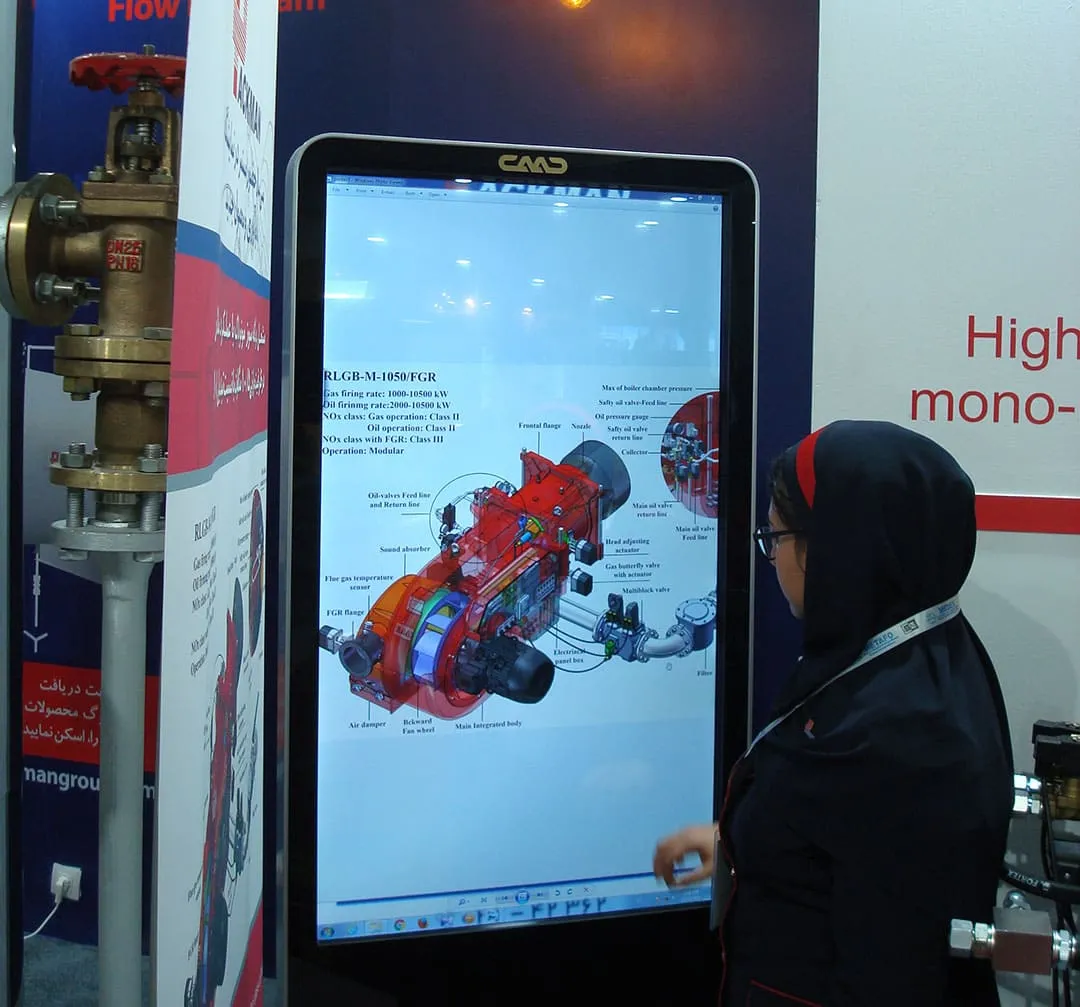
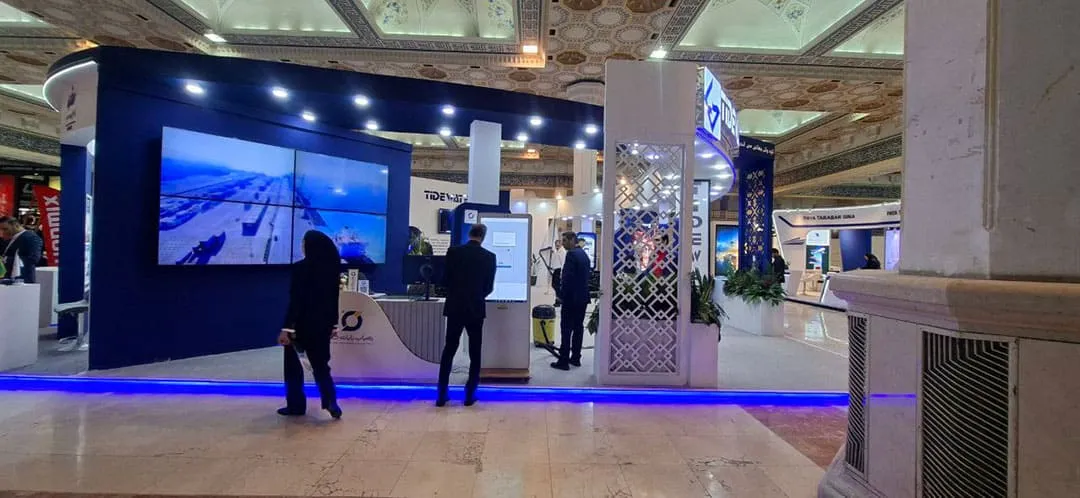
What are the rental conditions for touch screens and touch display rentals?
The first step for renting a touch screen is to receive equipment images from Kavak experts. For this purpose, you can communicate with our experts via Telegram or WhatsApp messaging apps.
After selecting the appearance of your desired device, paying attention to the operating system relation to the type of content you to display to your visitors at your show booth is of great importance.
Note that if your content or is not dependent on the Windows operating, using a touch kiosk or touch with the Android operating system is a more suitable option.
We recommend sending your technical representative to the Kav company office location, with prior coordination a few days before the exhibition date test and review the touch screen you to rent, so that all aspects pre-tested.
Touchscreen rental stand, touchscreen kiosk, touchscreen table, and touchscreen display
Why do companies use touch-enabled stands and displays in their trade show booths?
Participating in relevant industry exhibitions is one of the marketing strategies to find new customers, retain existing ones, and revive relationships with former clients. Another goal that economic entities and brands pursue through continuous participation in related and sometimes unrelated exhibitions is to maintain brand value and stay the public eye. In an exhibition, the use of interactive systems, product displays based on touchscreens, been recognized as one of the most methods of effectively communicating with visitors in past decade. On this page, we aim to provide you with comprehensive information on touch-screen-based products, as touch stands, touch tables, touch computers, or what are commonly as large wall-mounted displays. experts in the Touchscreen Rental Services of Cavac are also ready to your questions through telephone consultation.
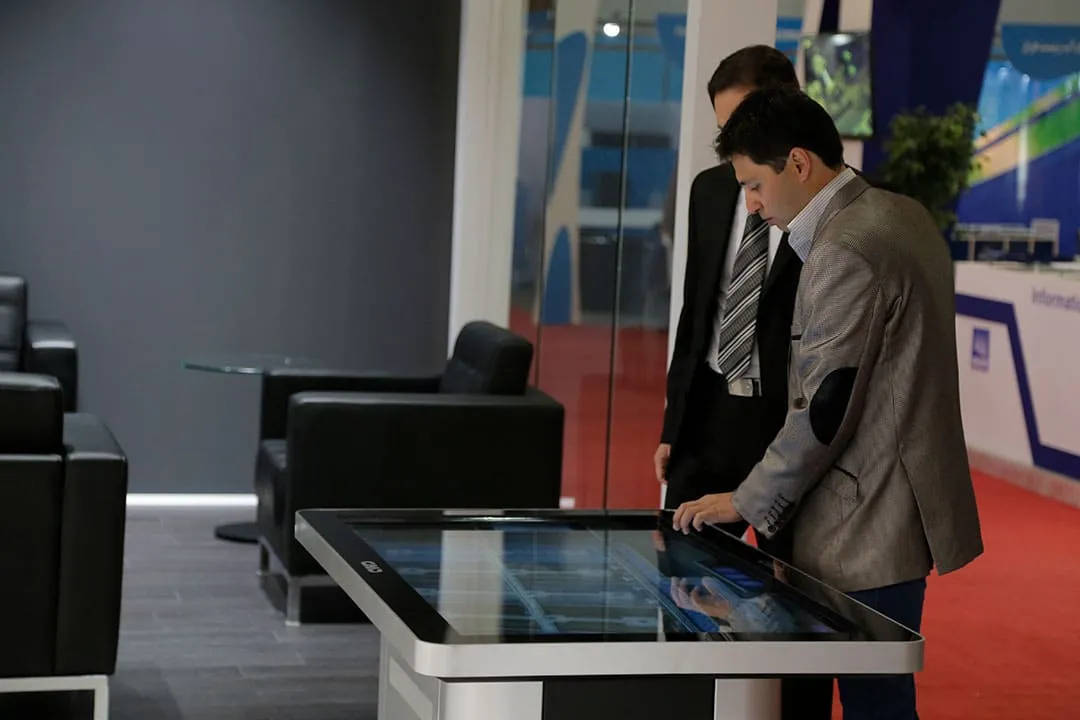
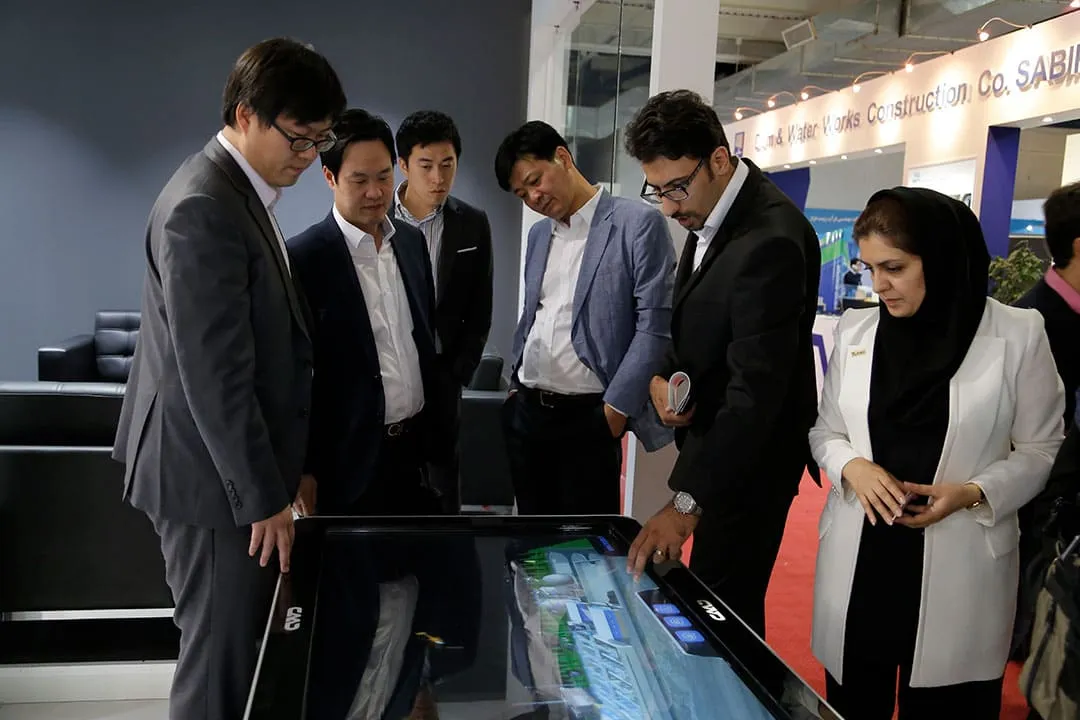
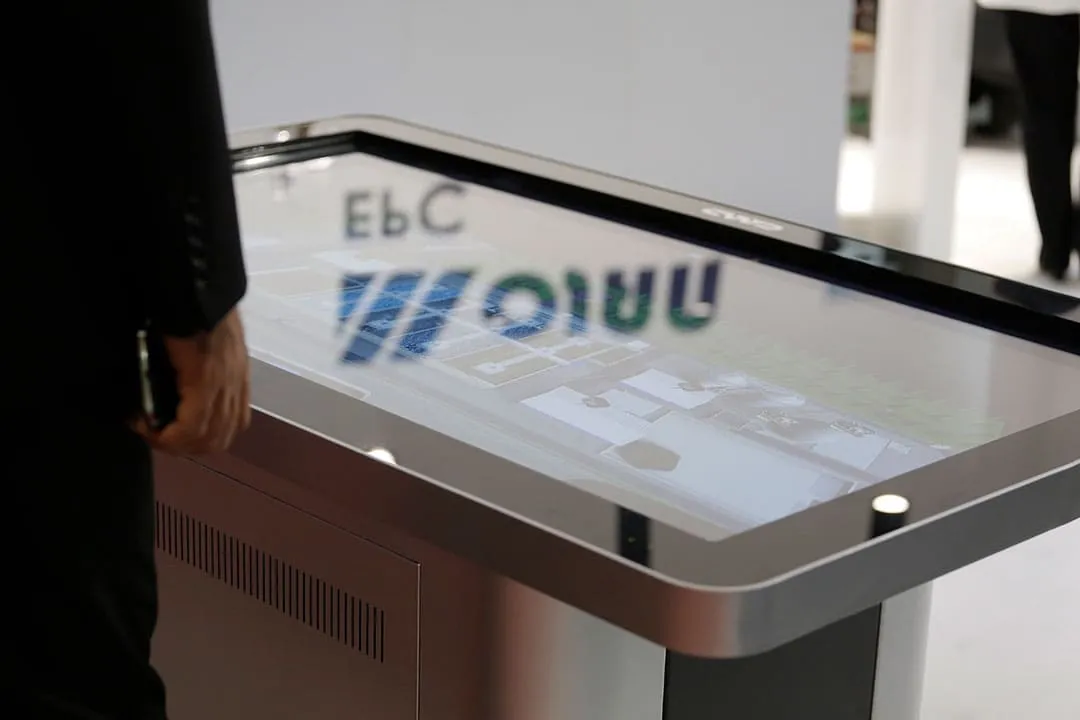
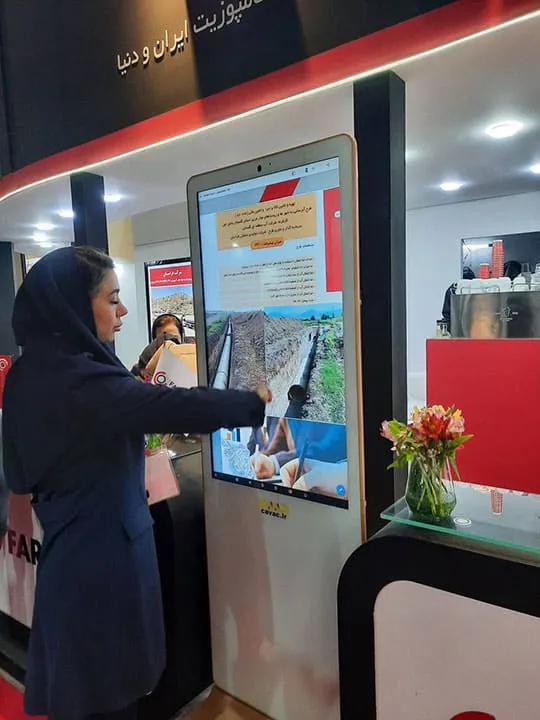
What is the starting point? Is renting a touchscreen display effective for an organization, or is it a waste of resources for another?
Over the years, has frequently happened that we have received requests for touch screen displays from organizations or individuals who either did not actually need a touch screen or were not prepared to maximize the use and benefit of such a display. Often, you might be encouraged by booth builders some staff members of your organization to touch screens in your booth setup, you should know that the primary goal participating in exhibitions, given the high in recent years, should be to the largest number of audiences and new at the lowest possible cost.
Therefore, before taking any action and being influenced by advertisements, answer this: If you were to rent a screen stand, what content would like to display on it, and how would visitors interact with it? What are trying to say here is that in many businesses, there is no compelling to spend money and rent a touch table or stand. The reasons can, but for example, if you are providing products that can be displayed at exhibition booth, your current and potential are likely to prefer to watch your up close rather than touch a large screen display to see the related multimedia of your products.
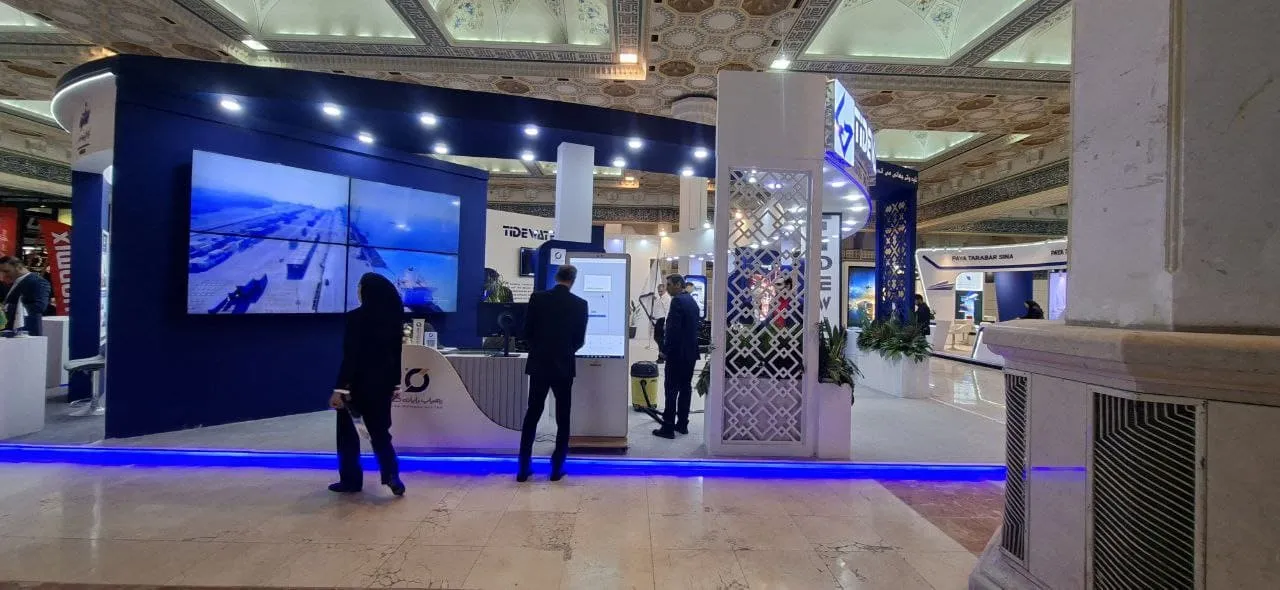
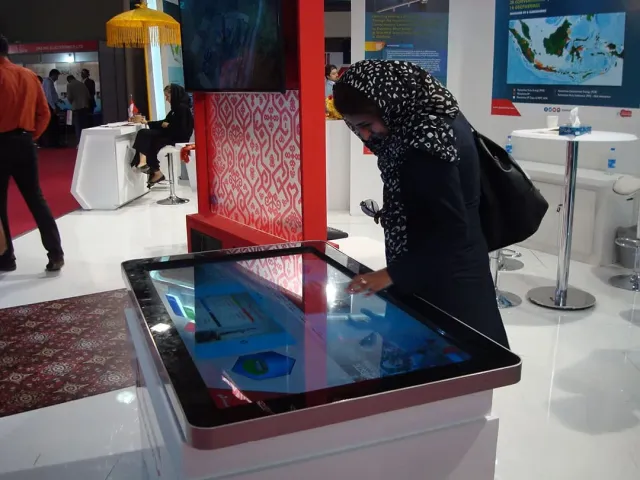
Rental of Cavac Touch Screen Stand in Rahyab Ryan Exhibition Booth
In the 2025 Transportation, Logistics, and Related Industries Exhibition
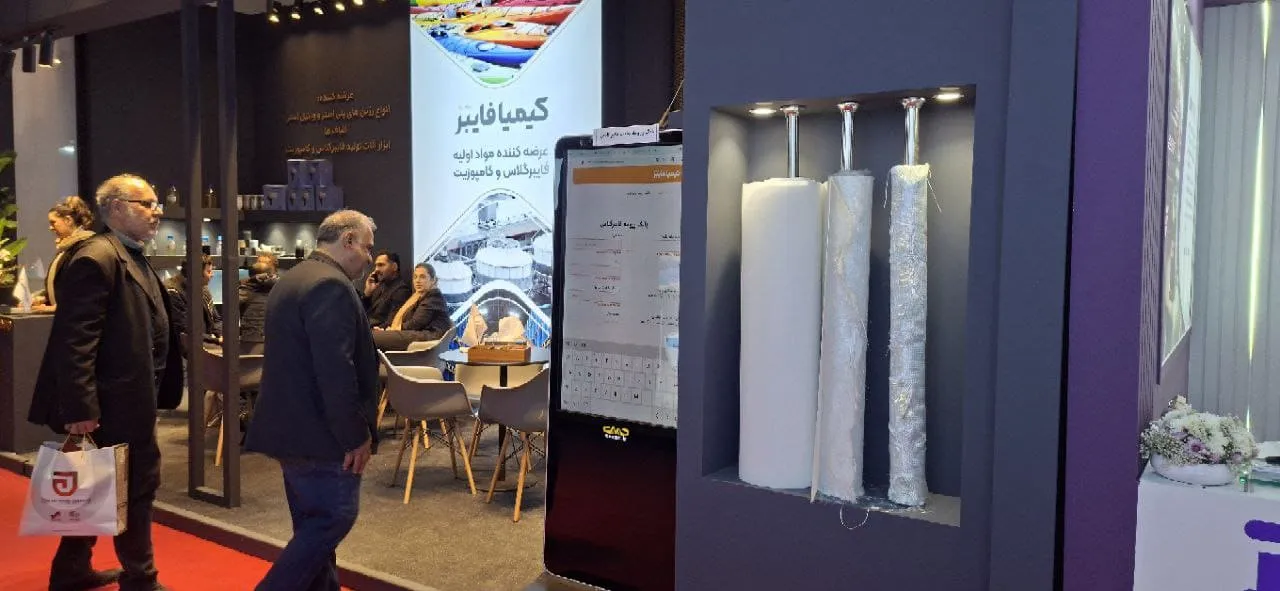
Rental of 47-inch Cavac touch screen stand at Kimya Exir Adely booth.
In the 2025 International Paint and Resin Exhibition
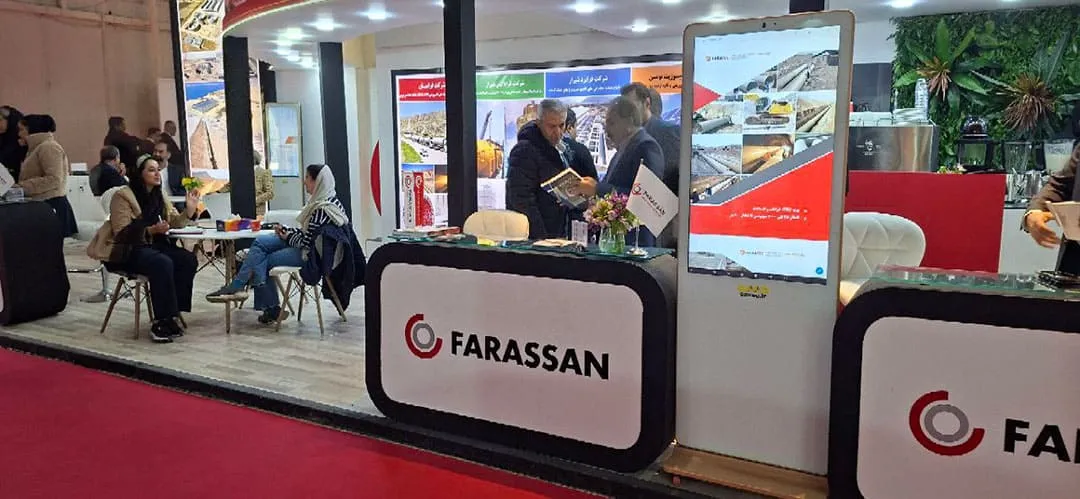
Rental of 43-inch Cavac touch screen stand in Frasian exhibition booth
In the 1404 Water and Wastewater Exhibition
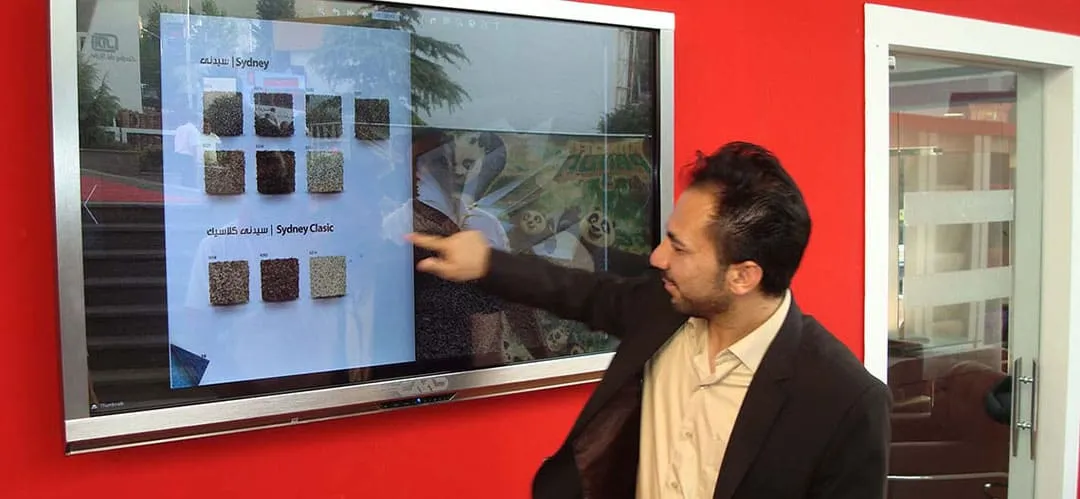
Rental of Cavac touch display in a delicate illustrated exhibition booth
In the Building Industry Exhibition 2016
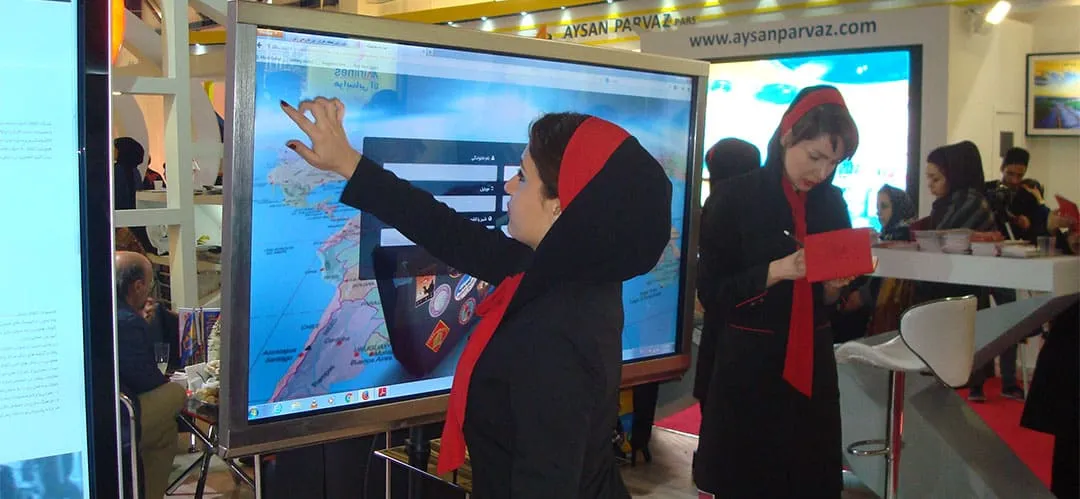
Rental of Cavac touch screen stands at Golfam Safar exhibition booth
In the 2016 Tourism Industry Exhibition
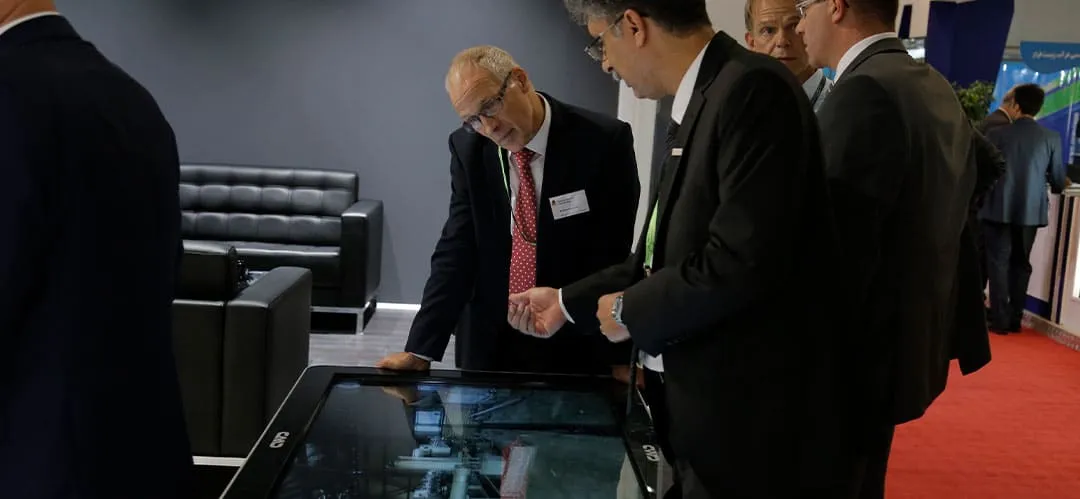
Rental of Cavac touch tables at the Mojan exhibition booth
In the Water and Wastewater Industry Exhibition 2015
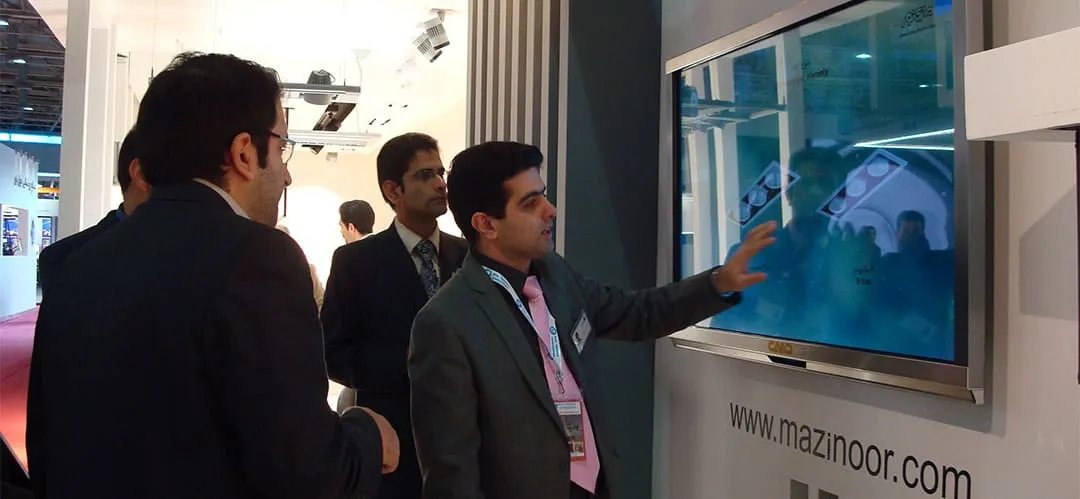
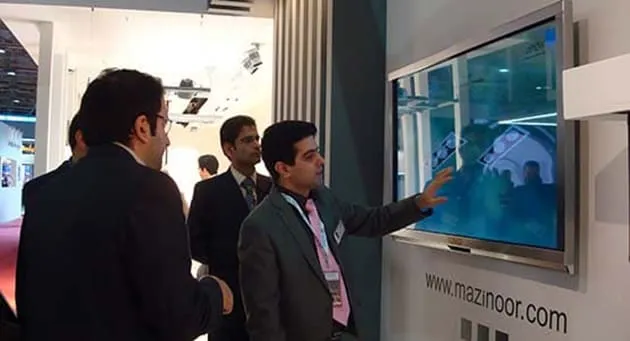
Rental of a touch-screen Cavac computer at the Mazinour display booth.
In the 2014 International Lighting and Illumination Exhibition
Which type of display-based touch equipment should I rent for my trade show booth?
As you can see from the sample images above, there are three main categories of interactive equipment based on large touch displays for use in exhibition booths, each with its own strengths and weaknesses depending on:
The type of business and, in particular, the and services to be showcased in the booth.
Marketing plans content prepared for display on a rented screen.
The booth space and whether the organizers have granted construction for the booth to the participants.
The booth size and whether design and layout encourage visitors to enter booth space or if your staff are inside while visitors cannot access the interior
Considering these factors will help whether you should rent a touch screen, a touch table, or avail Kawak's large touch computer rental. For example, if you are in an exhibition without booth space or not plan to build a booth, using large wall-mounted touch computers is practical, and renting a touch screen or table would be a better option Another reason why renting large touch computers not suitable for partitioned booths is that displays require wall mounting, which is feasible on the shaky walls of exhibition and spacers.
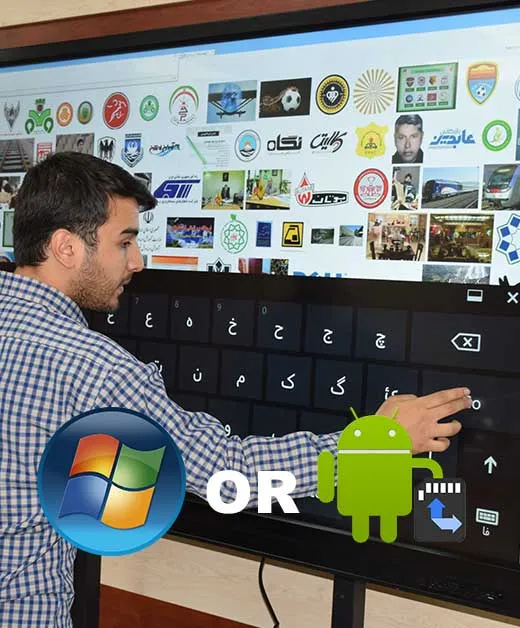
The Android operating system has higher performance than the Windows operating system!
Imagine you have rented a touch display stand for your exhibition booth. The first question you should ask yourself is: What type of content and in what format will be displayed on this touch screen for visitors to see?
What typically happens in most exhibition booths falls into two categories. First, the renting company has envisioned the desired scenario for using its touchstand long before the exhibition and has produced the necessary content for it. In such cases, this content is usually placed on the company's website or Android application, or less likely, a flash app or multimedia for it is developed. In both scenarios, the Android operating system will meet the user's needs.
In the second case, which unfortunately is the more common scenario, many companies, in the days leading up to their trade show, realize the benefits of renting a touch screen display for their booth. However, they haven't prepared relevant content in advance to display on touch screen. If their website appropriate graphic design, especially responsiveness, are left with no choice but to their raw images and videos in gallery format. In this case, the Android operating system does not have weakness compared to Windows.
There are several reasons why we prefer renting Android-based touch screens over Windows-based touch displays. Some of these reasons benefit the lessor, while others benefit the lessee. For instance, weight, wear and tear, the risk of damage during transportation, and even the noise from the power supply fan and CPU fan in Windows systems are significantly higher, while they do not offer more features than Android systems to the user.
Additionally, in recent years, the number of touch screen display rental requests with a desire to use their proprietary applications to present to trade show visitors has been increasing. In fact, we rarely remember a case where an organization has wanted to use a touch screen in their trade show booth to display content that the Android operating system cannot support. For example, we have not had any experience displaying content in specialized software environments that are only executable under the Windows operating system, such as Photoshop, Corel, AutoCAD, and so on.
Where is the starting point for renting a stand or touch table?
The first step to ensure that renting a touchscreen kiosk is indeed beneficial for your organization and to test if your content is suitable for display on existing models, is to visit the Cavac company office and conduct a trial of the website, images, and videos you have. In cases where your organization has and produced its own Android application testing its execution on the Android system of Cavac rented touch can alleviate your concerns about potential and conflicts on the day of the. This is only possible by your organization's technical representative visit and test the above- items in practice. In this, it is our honor to you, dear guests, with coordination.
Alongside Cavac readiness to host clients for hardware and testing related to renting touchscreens other display screens, it is to note that due to existing limitations on-site support at your exhibition regarding how to operate the equipment not feasible. Cavac experts only be present at exhibition booths address potential hardware issues with the. Therefore, it is evident sending a technical representative and testing all aspects and receiving necessary training on how touchscreens work for clients is.
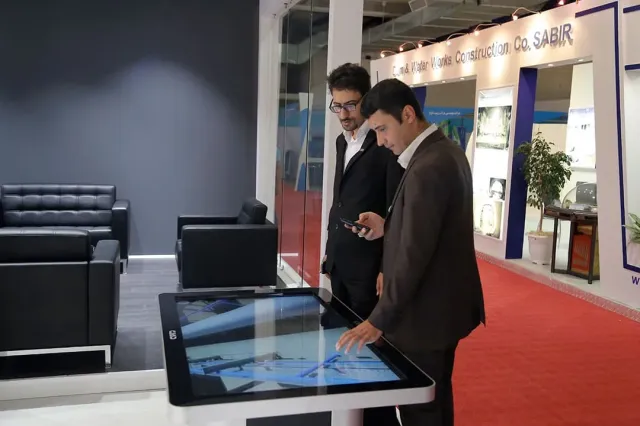
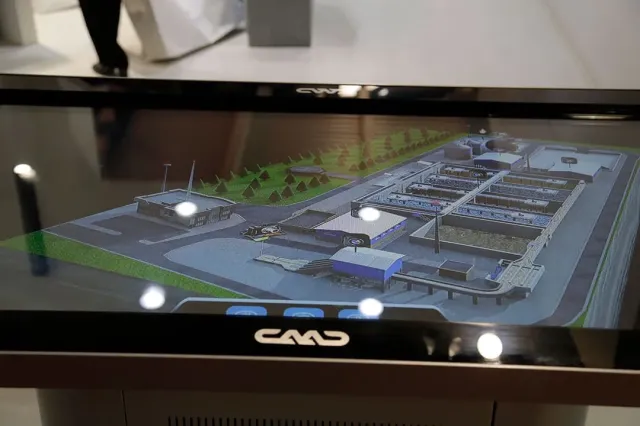
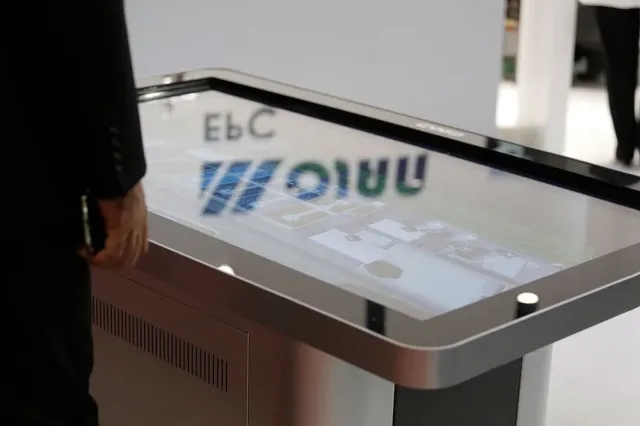
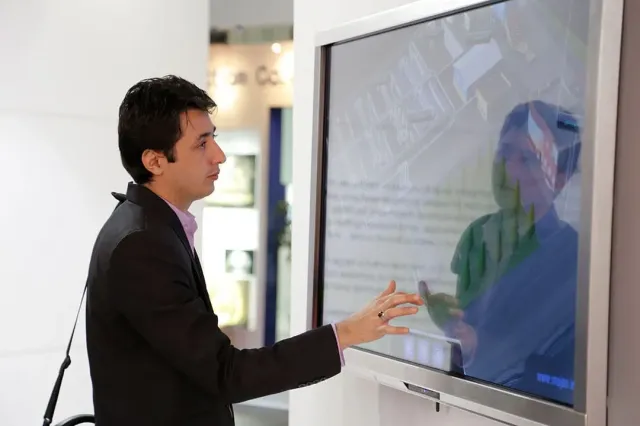
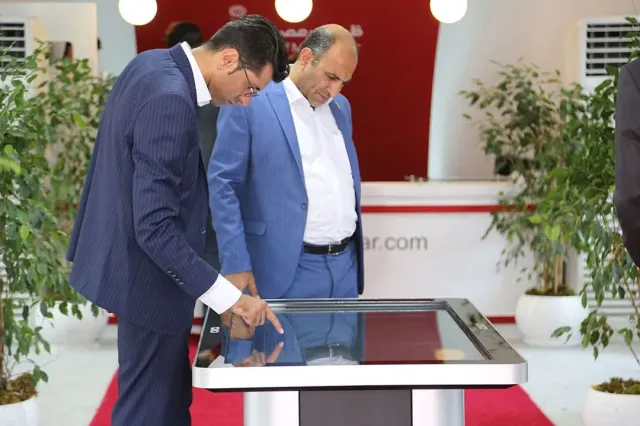
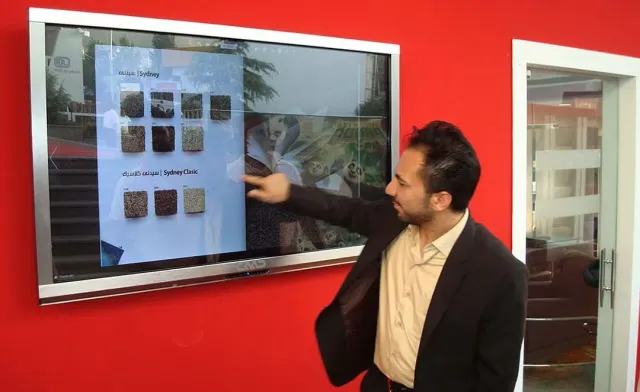
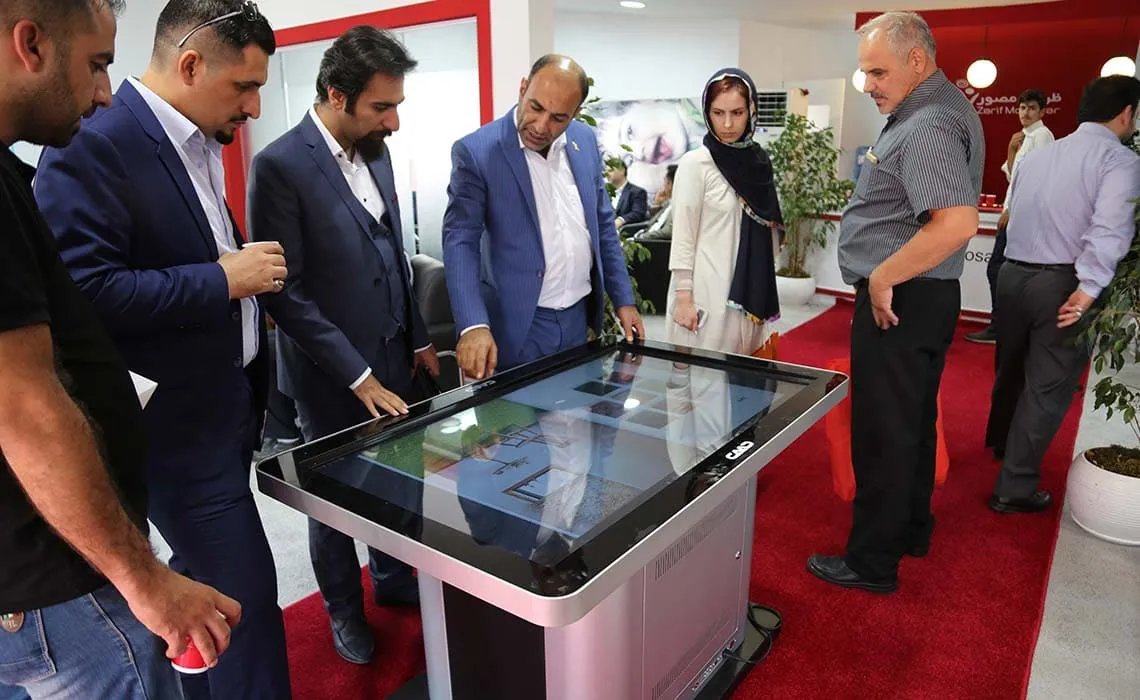
Image Gallery: Renting Touch Screens and Their Use in Exhibition Booths - Some Previous Clients of Cavac
Frequently Asked Questions about Touchscreen Displays, Touch Kiosks, and Touch Tables by Cavac
Almost all types of all-in-one displays and touchscreens are available for rent to our valuable customers. Respectable customers can obtain the necessary information regarding time, location, and the number of devices they need by coordinating a phone call with one of our Cavac marketing and sales consultants. the limited number of devices in each of all-in-one displays, kiosks, or touch screens, and touch tables, early coordination ensure the availability of the required touch is very effective.
What are the applications of Cavac touch displays?
In view of the remarkable expansion in the use of displays, and particularly touch-based display systems, in exhibition booths and organizational stands at conferences and seminars, Cavac is proud to offer rental services for touch stands, as well as rental of touch tables and displays to assist its clients in enhancing exhibition presence and efficiency.
A crucial question to address is how touch stand, a large-scale touch computer (big touch screen), or a touch table contributes to improving the of an organization's booth at conference or exhibition?
In years, most participating organizations in conferences exhibitions have noticed a shift in behavior. Perhaps a decade ago, several regular LCD displays in different sections an exhibition booth and playing non- content like videos and music would have appealing to many visitors, but, the absence of interactive systems a display booth is considered a relatively weakness. The most familiar interactive tools us are touch displays, especially large screens. Furthermore, it is to find an organization that recognizes the of allocating budget for its own advertising lacks a dedicated website where it introduces products and services. Given that designing producing a website is a gradual process it proves that the best multimedia for introducing a company's products and is its own website. Now, the question arises: what is the best way to display our website to visitors at exhibition booth?
All of us have experienced the significant expense of multimedia design, CD and DVD writing, and packaging, and ultimately delivering it to visitors at our organization's booth. Have you received feedback proportional to the incurred costs? Do your audience members place the DVD containing your multimedia in their optical drives after leaving the? Is it not time now to take control of our interaction and information exchange our customers at our trade show booth touch screens or large touch displays?
Cavac offers as the first and only specialized brand in the field of touch displays, unparalleled quality services to organizations.
All Cavac touch stands have a body made of a composite material of glass and metal.
A powerful internal computer is another feature Cavac hardware equipment.
Timeliness is one of our important red lines at Cavac. The equipment is delivered to the customer earlier the committed time, and in case the exhibition ends and the customer does not it at the agreed time, it be collected. If the customer needs continue using the equipment, the right choose and full authority lies with customer.
All responsibilities costs related to moving, transporting, commissioning, and collecting and returning rented touch stands are entirely on Cavac
One or two users of the system will receive two hours of training on how to work with Cavac touch stands and displays.
The necessary software for customers is installed on internal computer of the touch display or stand at their booth before delivering the.
During the rental, 24-hour telephone is provided, and in case of need, Cavac experts will be present your booth to provide on-site.
All Cavac touch displays and touch kiosks have a protective glass for the display and a retractable base No technical coordination is required to moveac touch stands from one point in booth to another in your exhibition space
Renting a touch screen stand or Cavac touch computers is a very simple process. The steps you need to follow are as follows:
Due to the limited number of devices available for rental and the growing demand from leading companies seeking to enhance the quality their trade show booths, first review your desired timeframe with one of experts and confirm the possibility of obtaining a Cavac touch screen stand.
To prevent any misunderstandings or misinterpretations of the device's capabilities and ensure it aligns with your organizational needs, it is recommended to send a knowledgeable representative with computer expertise to Cavac office for software and hardware testing. The purpose of this step is to ensure the device's functionality meets your advertising requirements.
Relax back in your chair and let us handle the rest!
Dear organization managers, considering the widespread use of touch screens in all fields, it is advised to take the necessary considerations regarding the graphic design of your organization's website. The website should be designed in a way that makes it practical and easy to navigate on a touch screen. As you are aware, no better tool introducing your products and services than organization's website, and if it is designed to allow a user easily explore different sections using a touch screen, you will save a amount of time and money, eliminating need to design a dedicated multimedia each trade show.